Two weeks ago I found myself frustrated – I had been using Emby on my homelab (stand in for plex/kodi/whatever) and started seeing advertisements pop up in my last place of refuge.
So, I thought to myself, hey – this is a well defined domain, I recently got laid off, why not create my own?
Within a day or two I had a functional prototype. Two weeks later I am basically done. There’s definitely some UI/UX stuff I would want to polish for a greater audience, but it works great for me.
Some things that were core in my mind for delivery:
A page refresh shouldn’t break playback, ever.
A user’s state is useful to remember not just resume this song, but resume this playlist, and support adding, removing, and replacing the existing playlists fluidly.
Mixed multi-media playlists.
Duplication removal and managing files needs to be WAY EASIER if you are managing local libraries – I don’t like Spotify.
It should support iOS and mobile without having to install an app (don’t want to deal with sideloading or an app store fee.)
It needs to be fast to load and respond – no React, Vite, no third party data stuff, everything local, everything issuing asynchronous calls and replacing the current context while remaining responsive.
Here’s a little product review that’s produced every time a build completes.
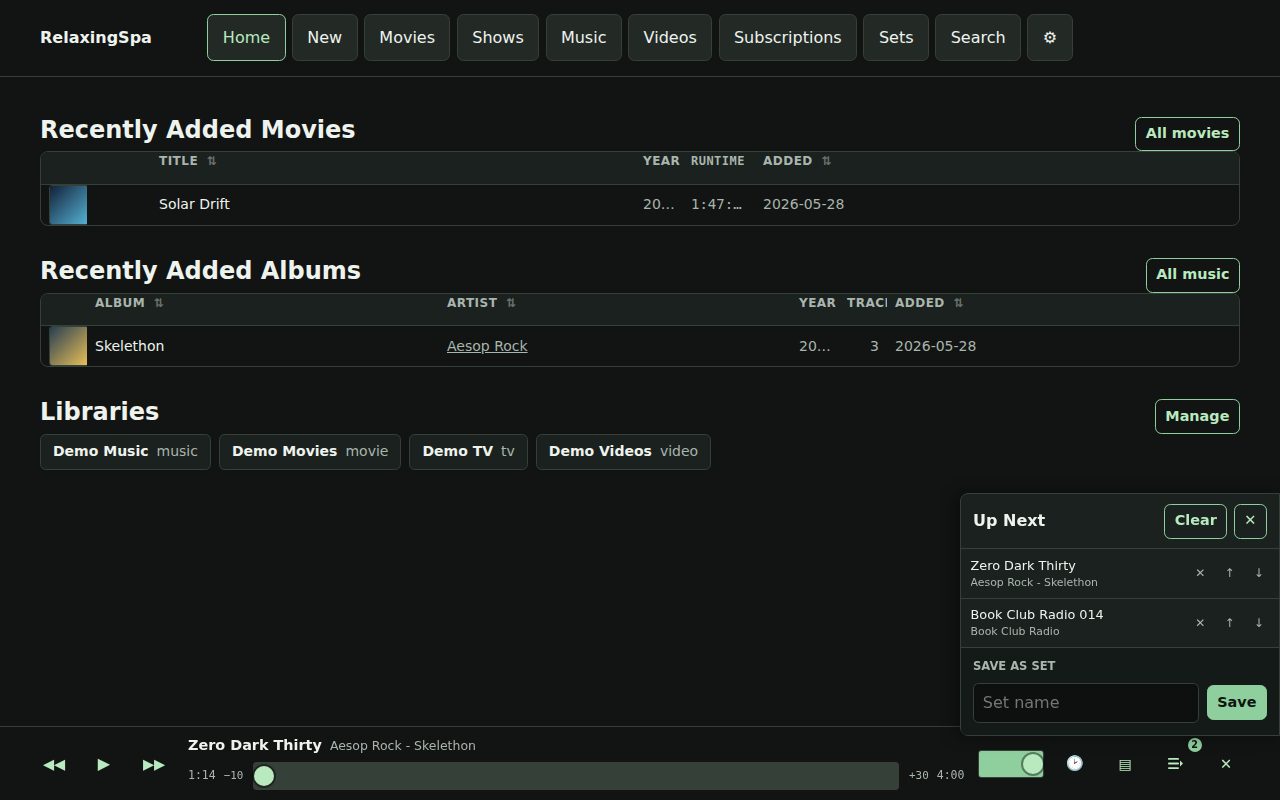
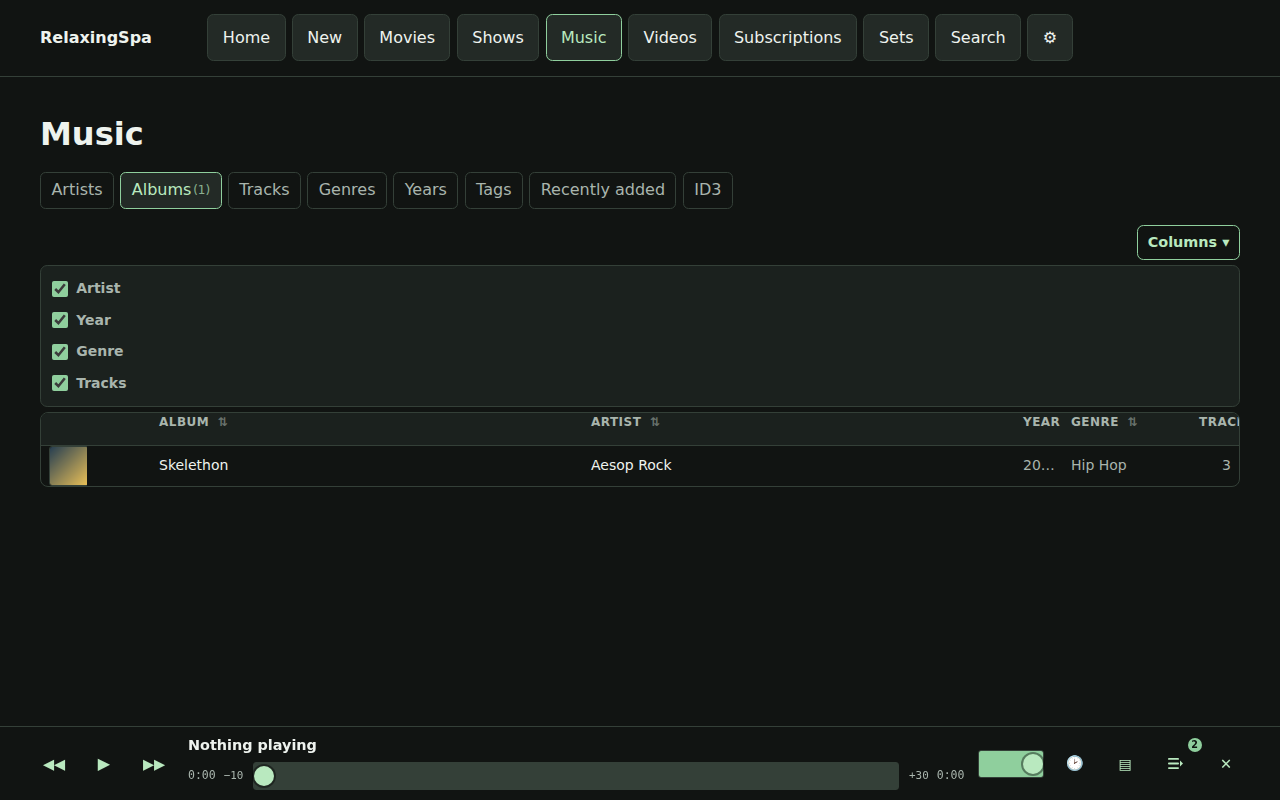
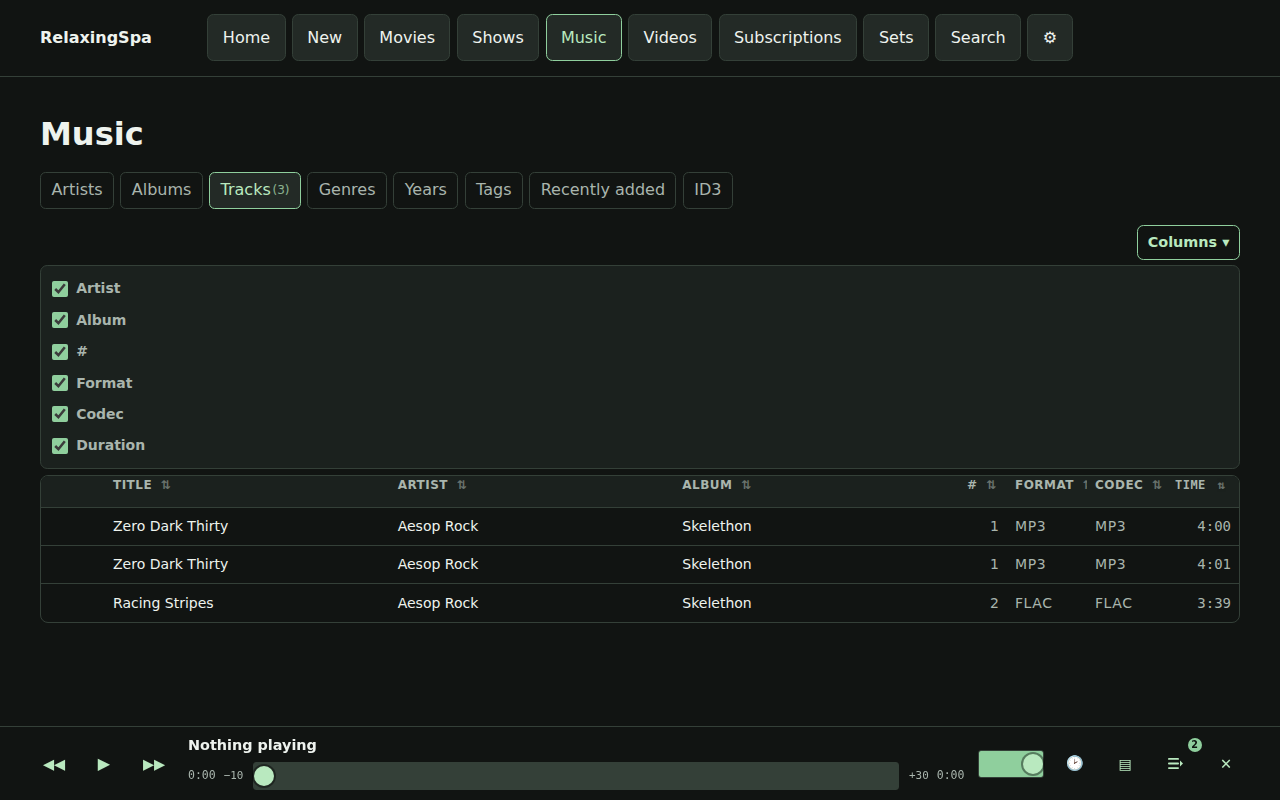
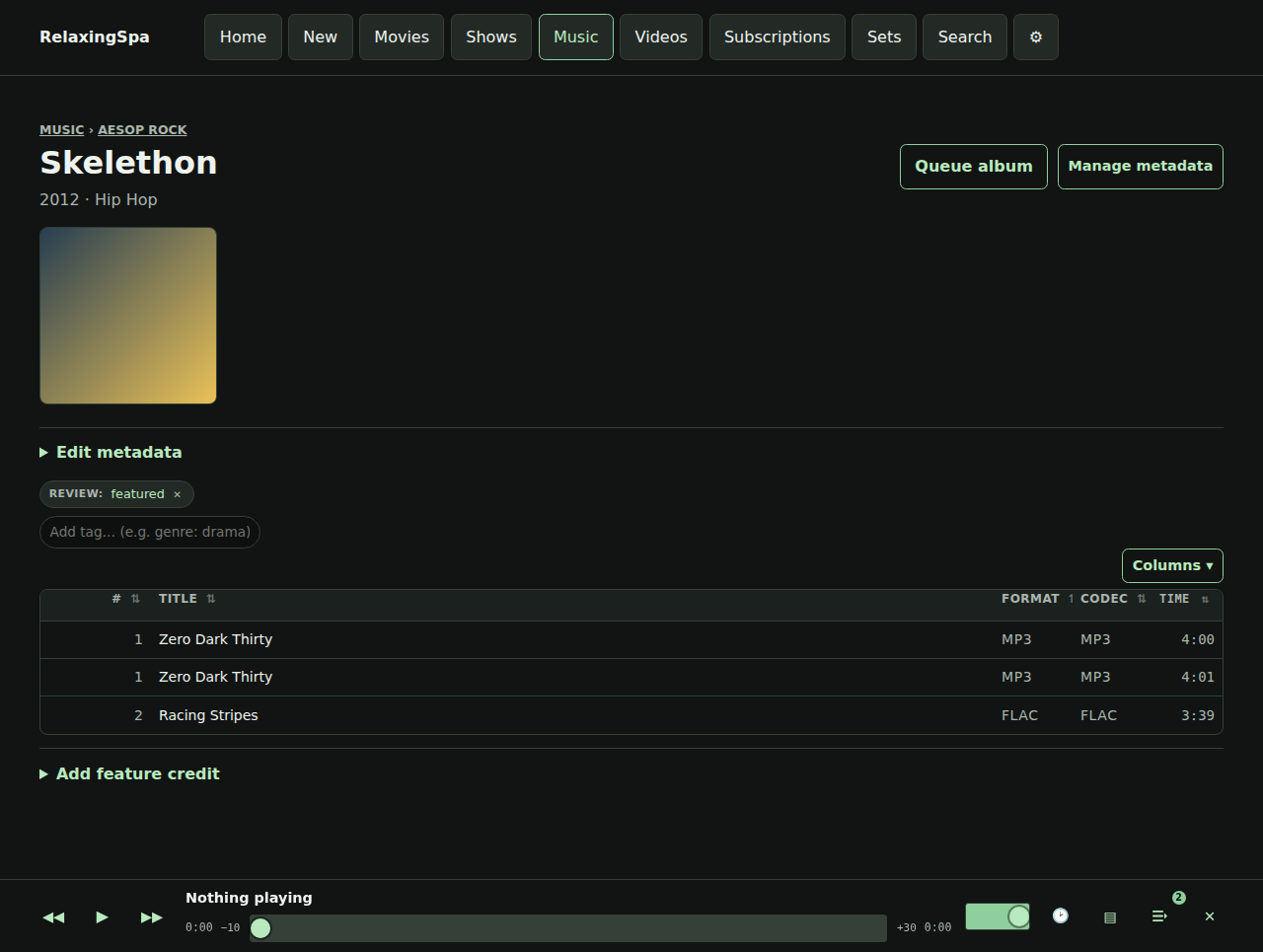
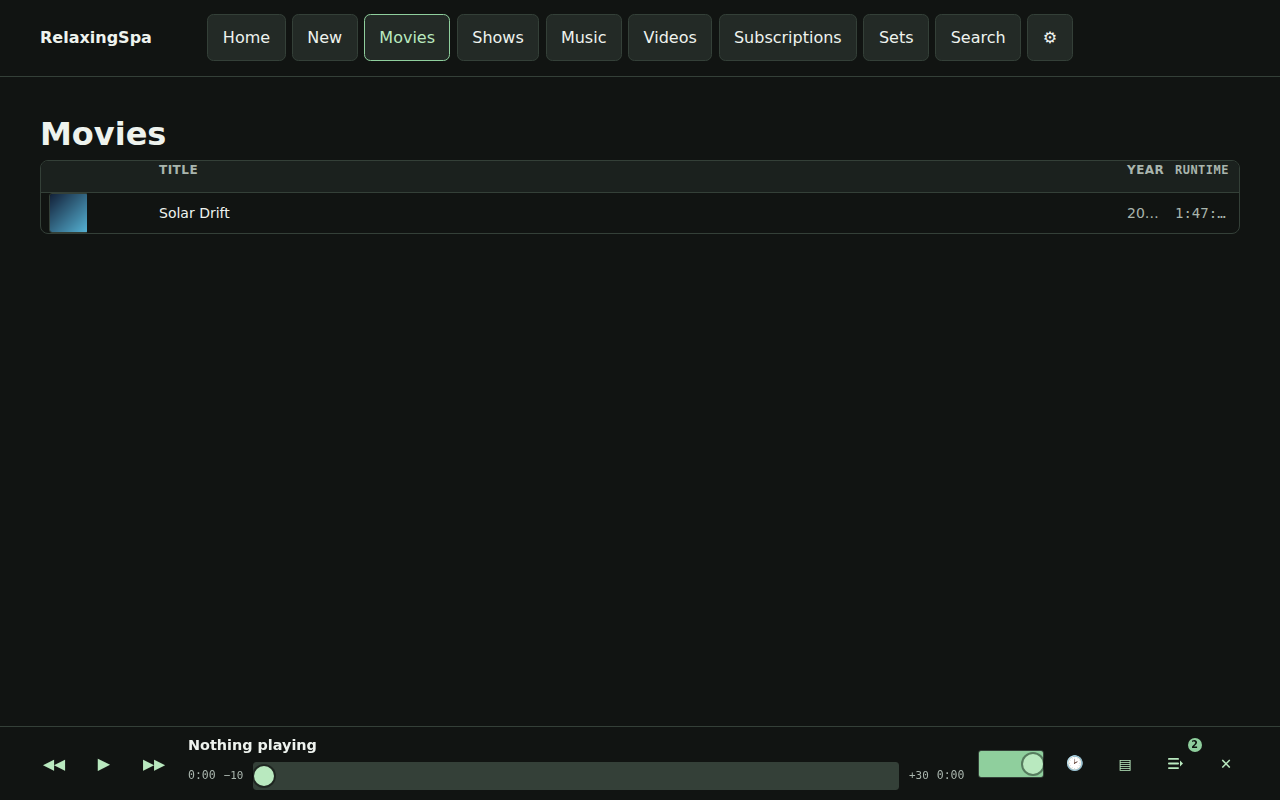
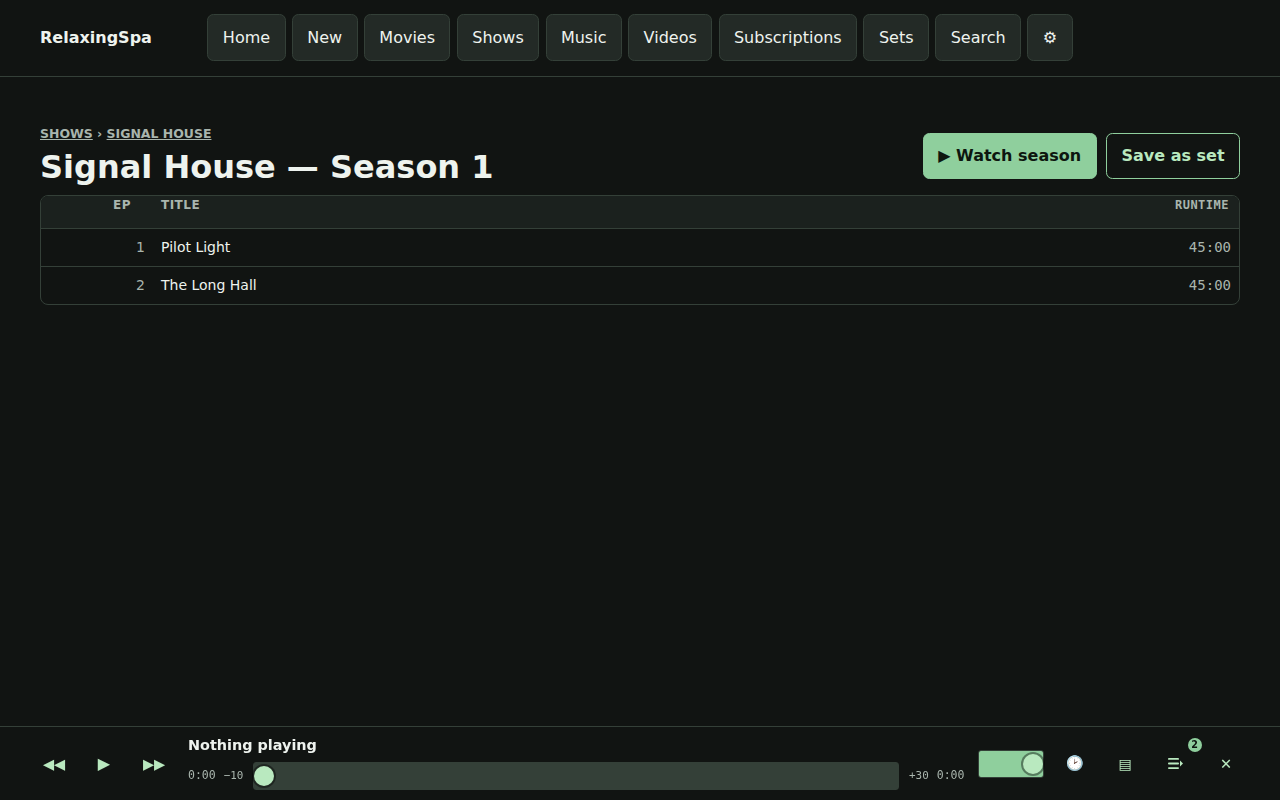
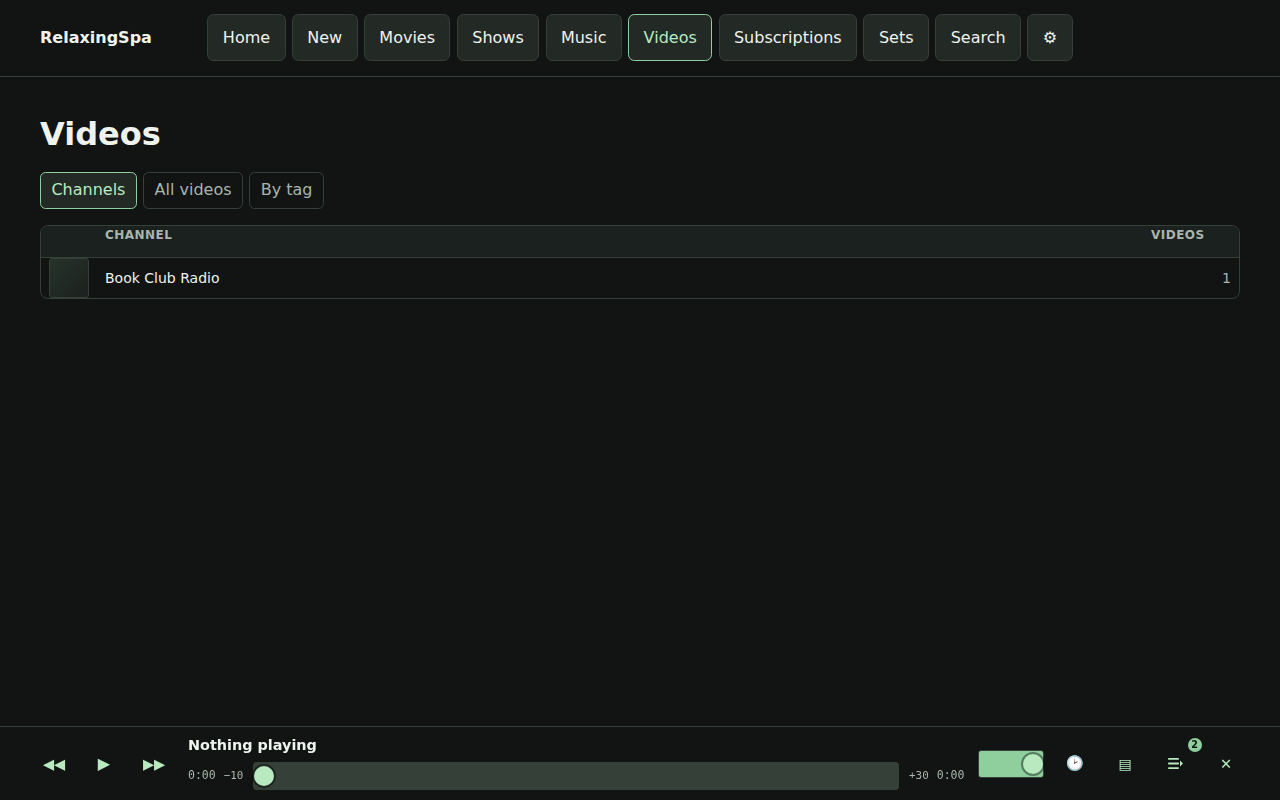
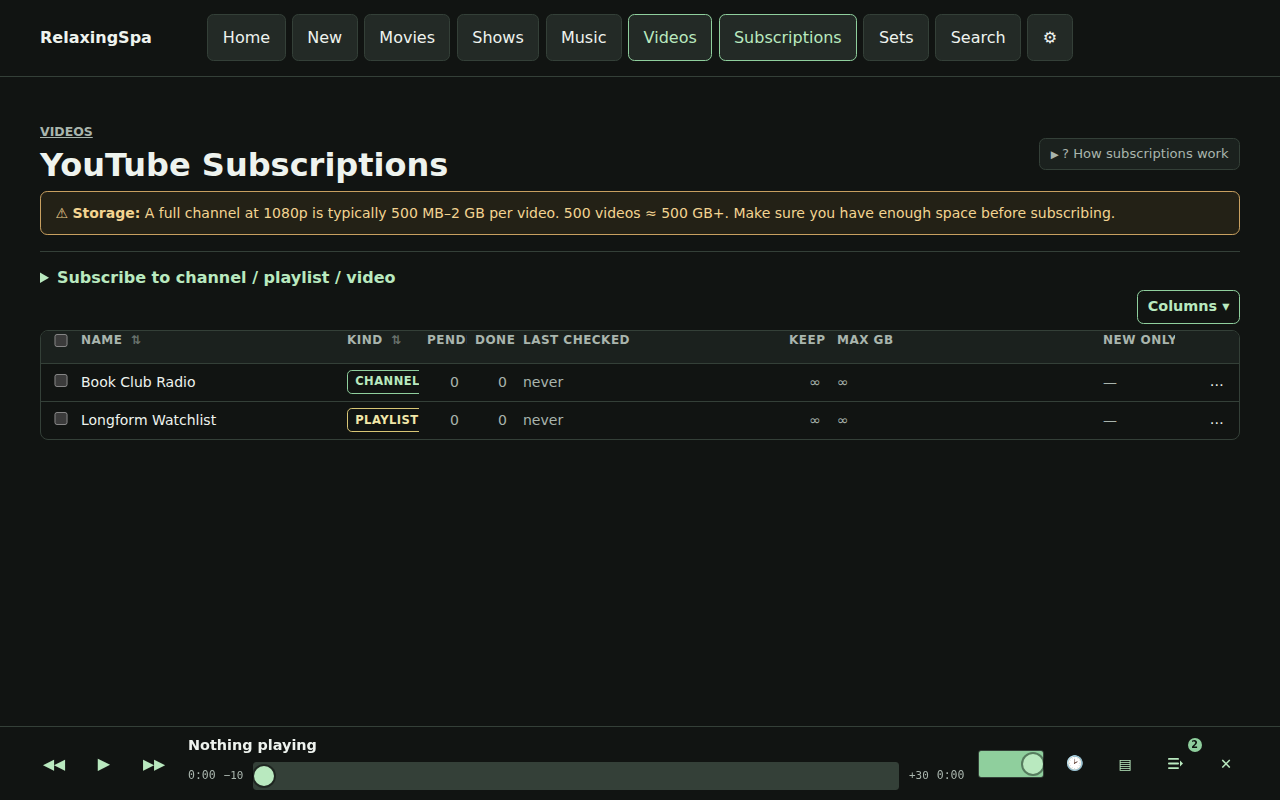
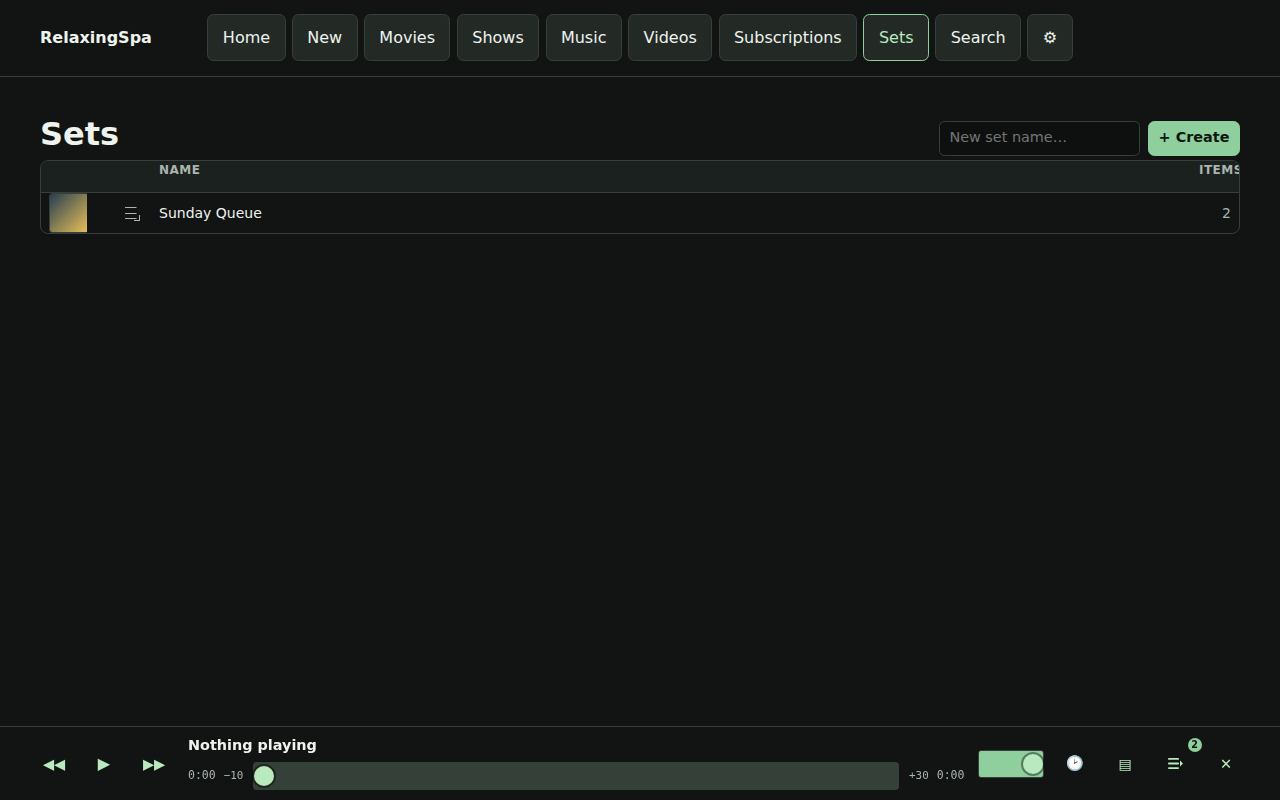
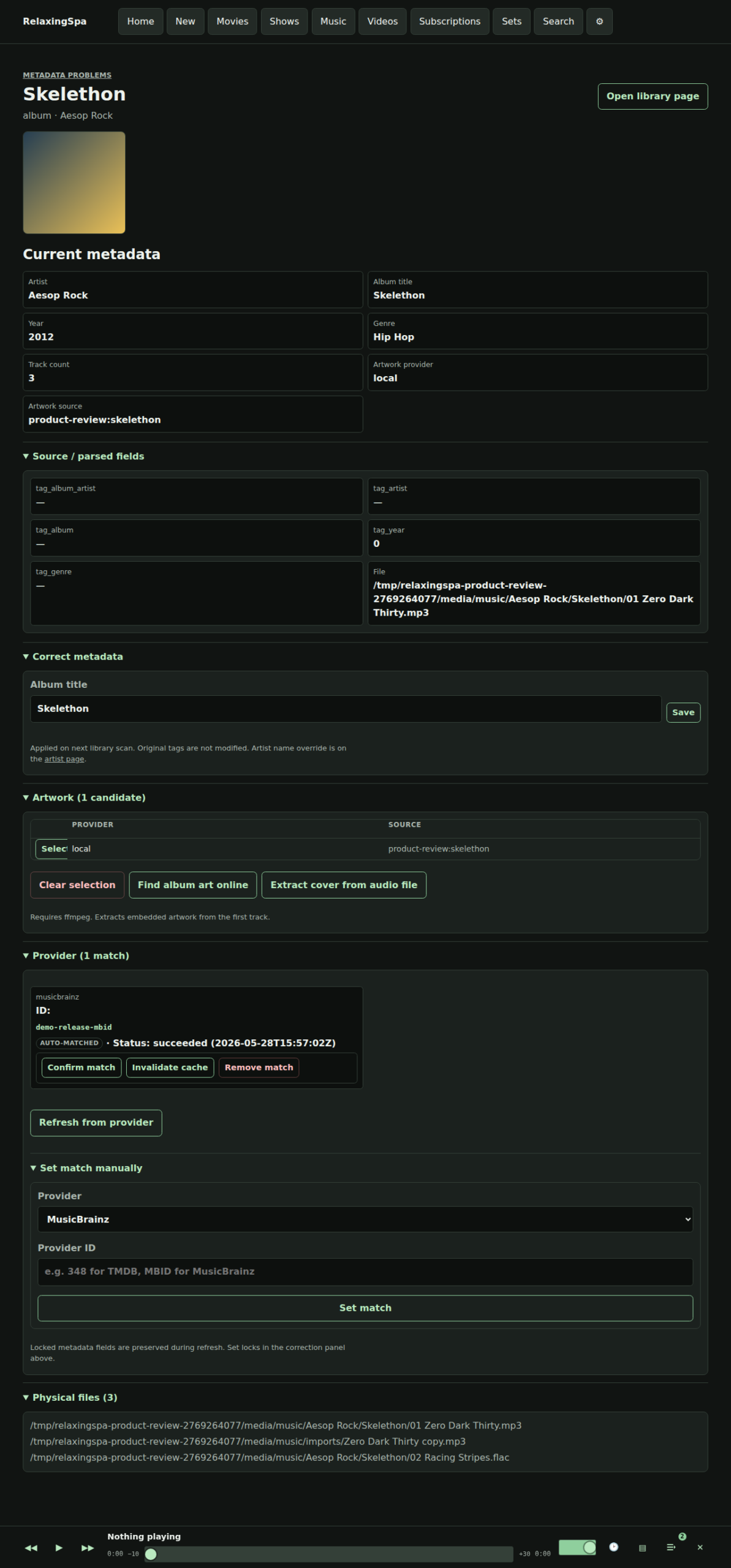
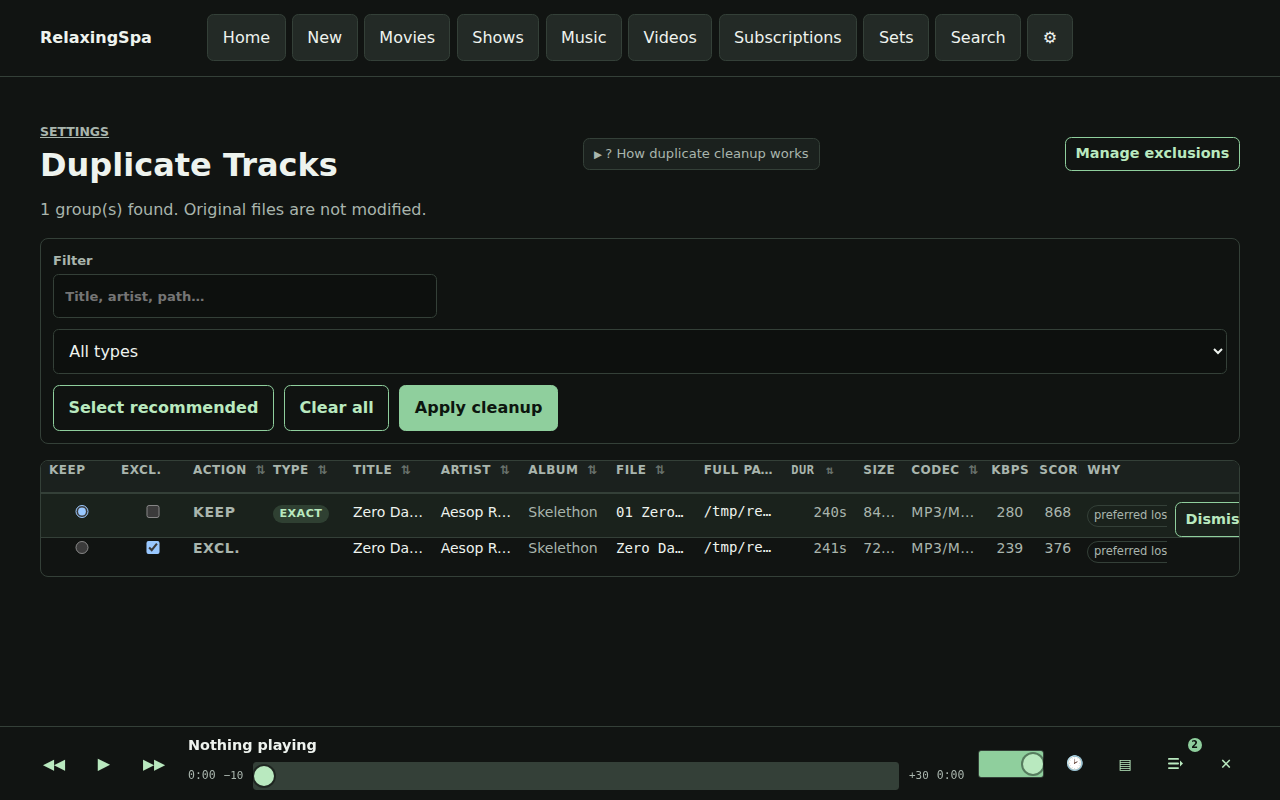
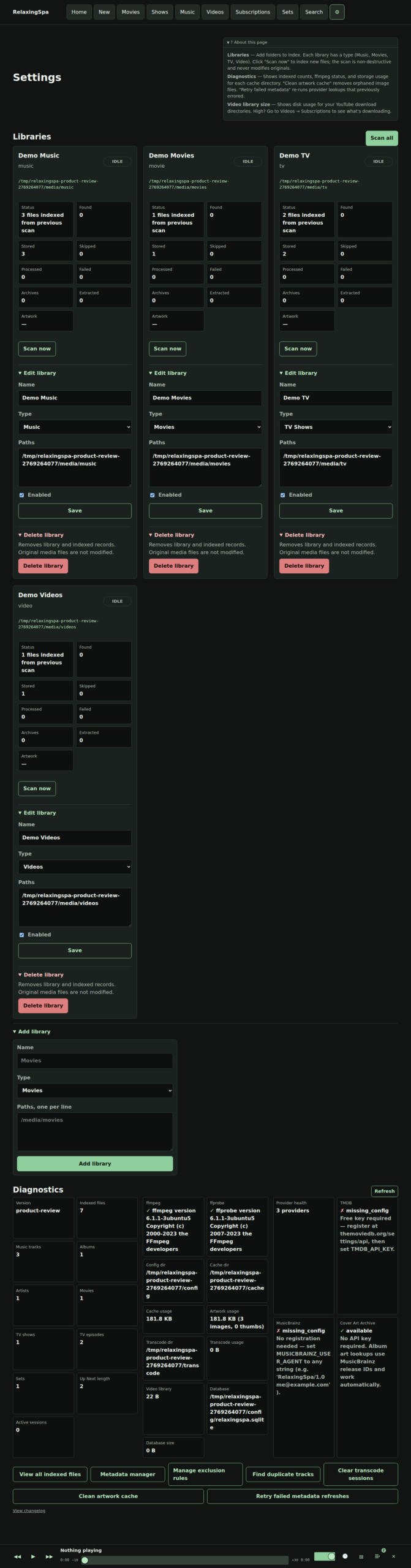
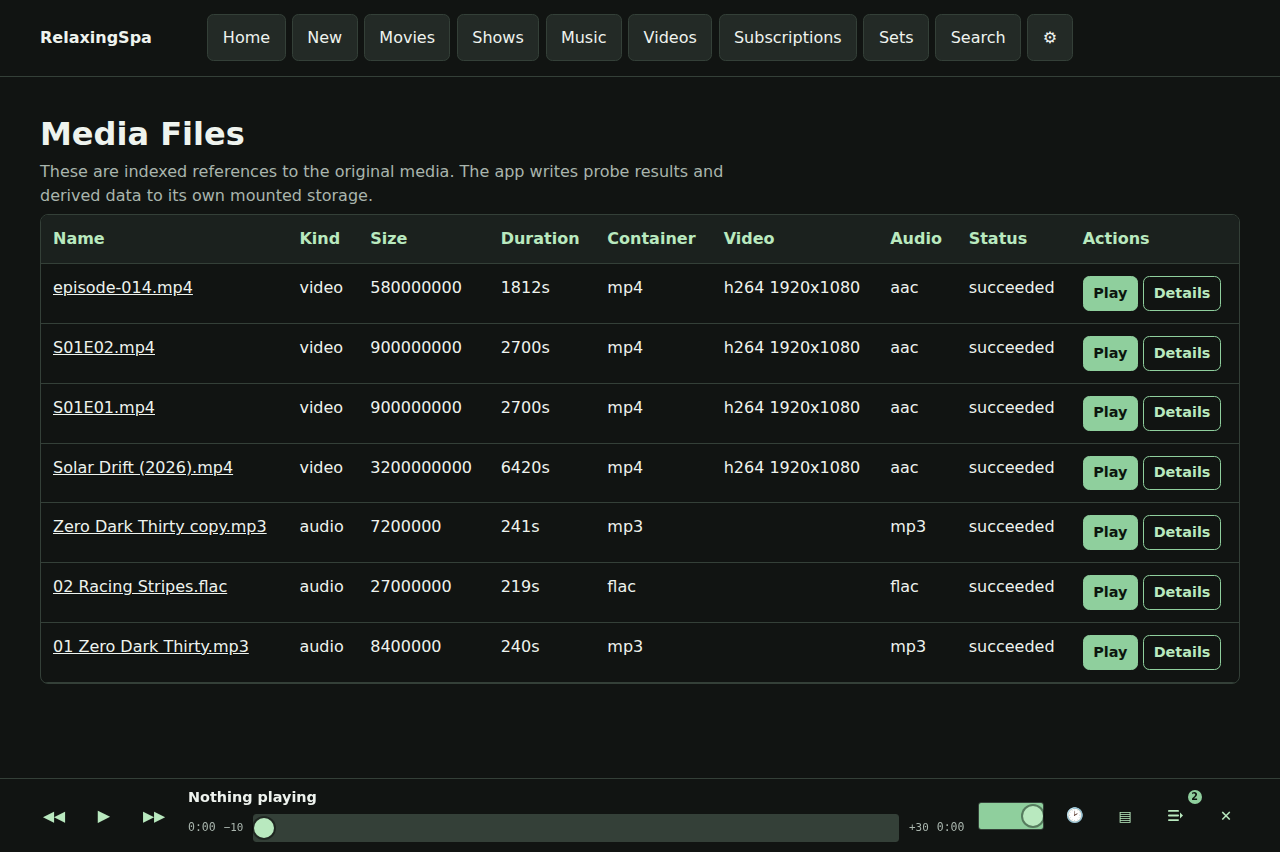
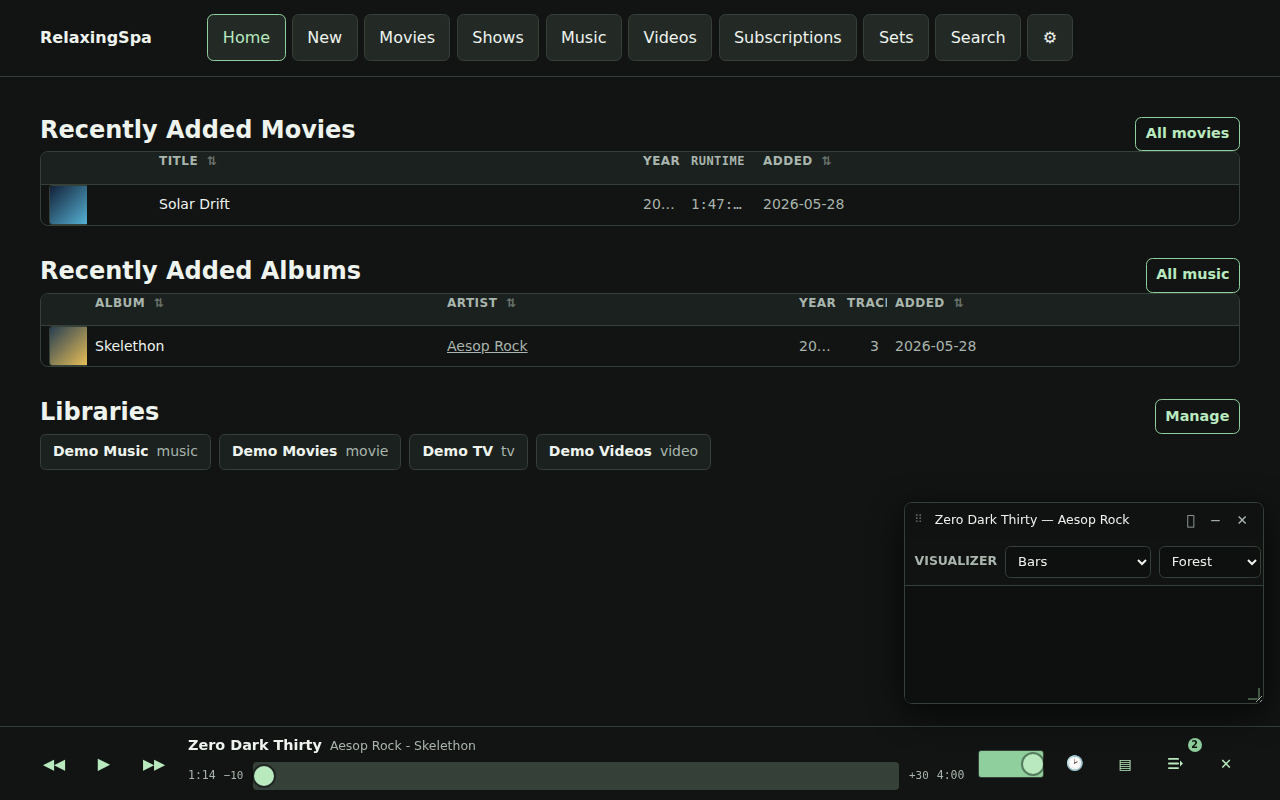
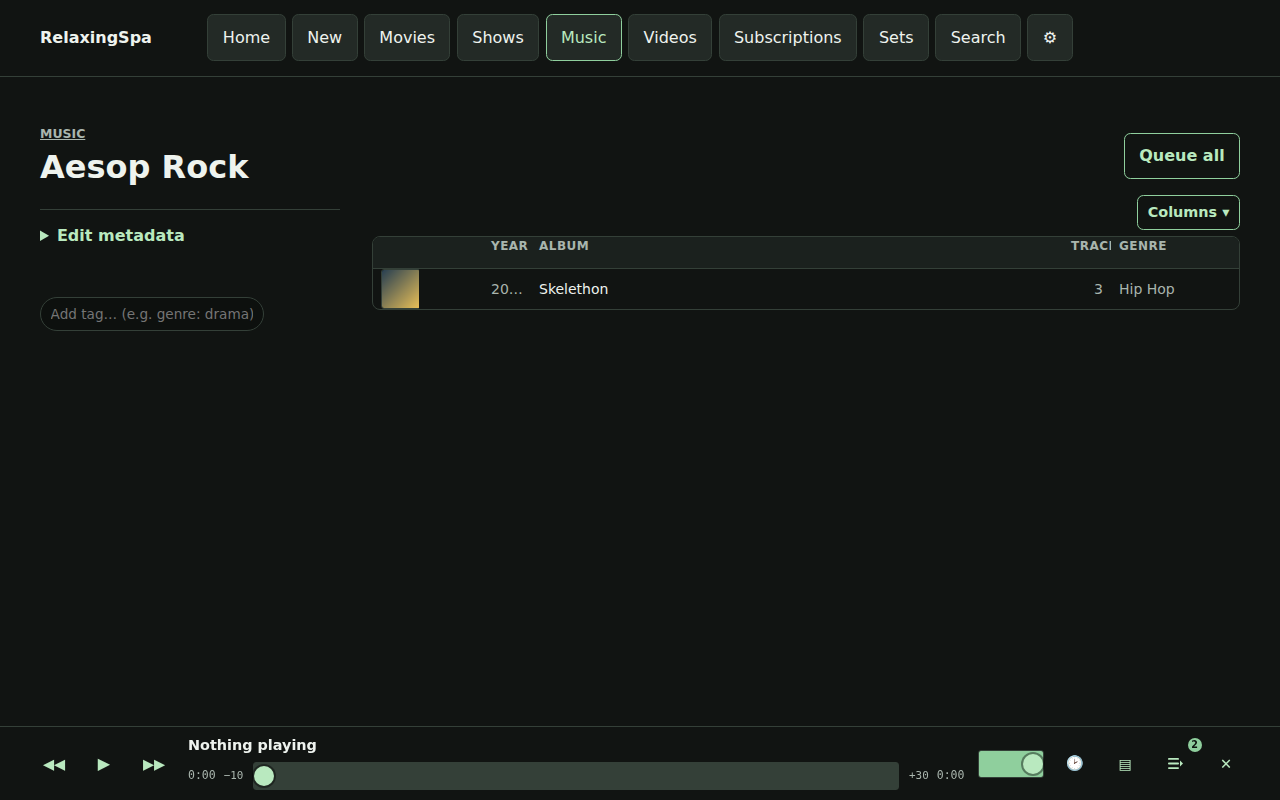
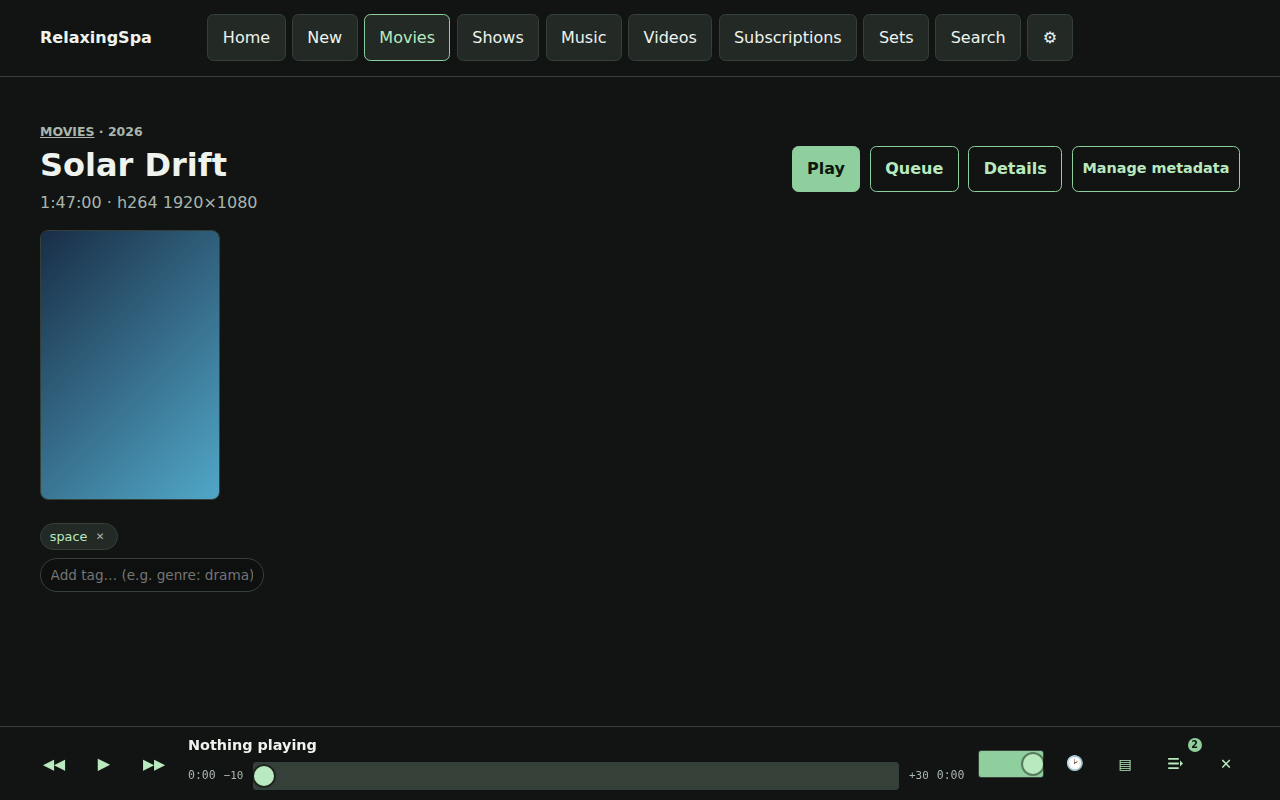
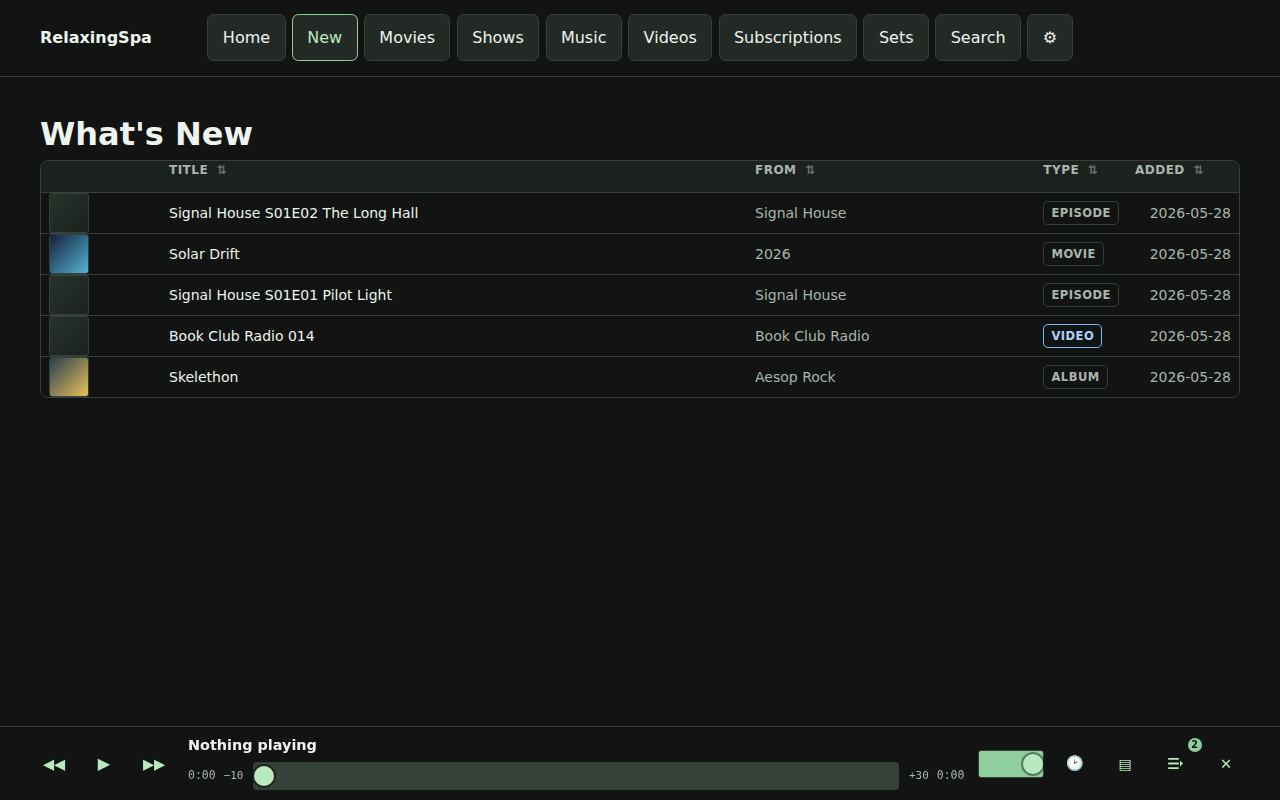
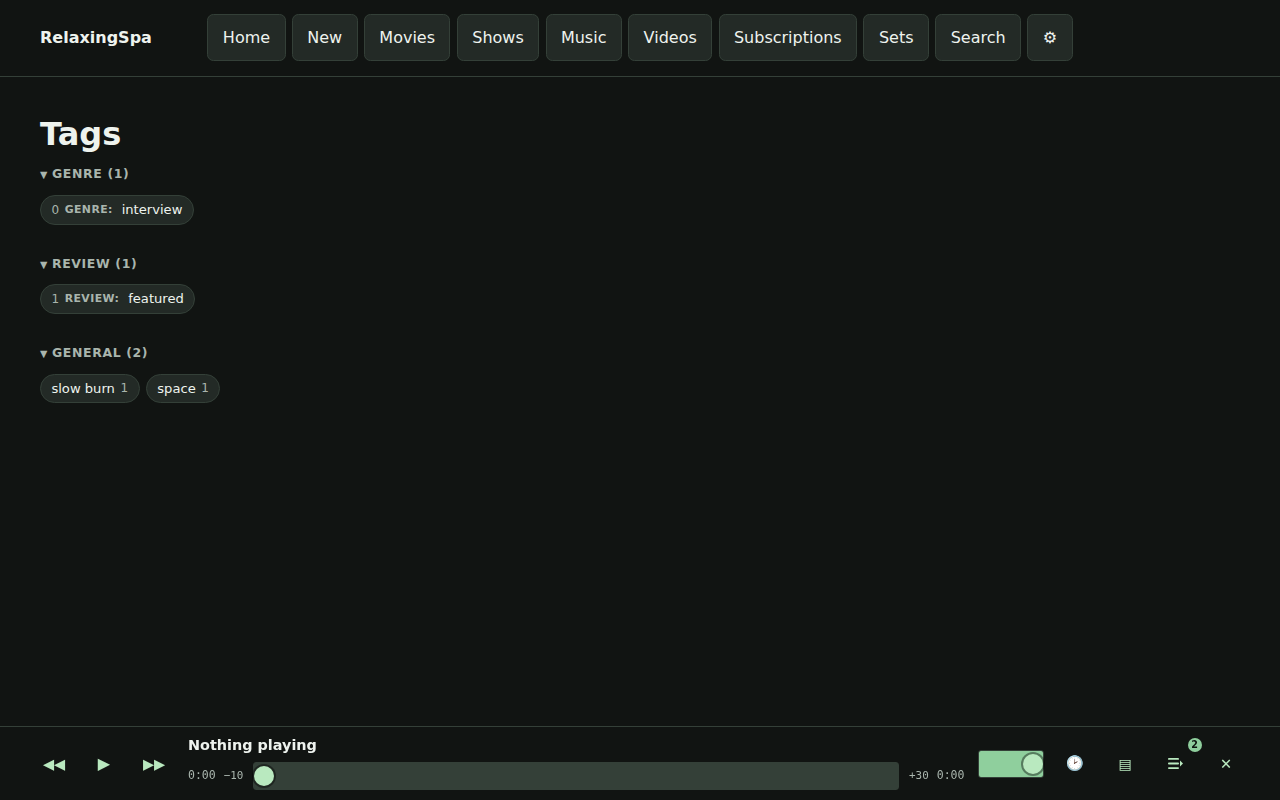
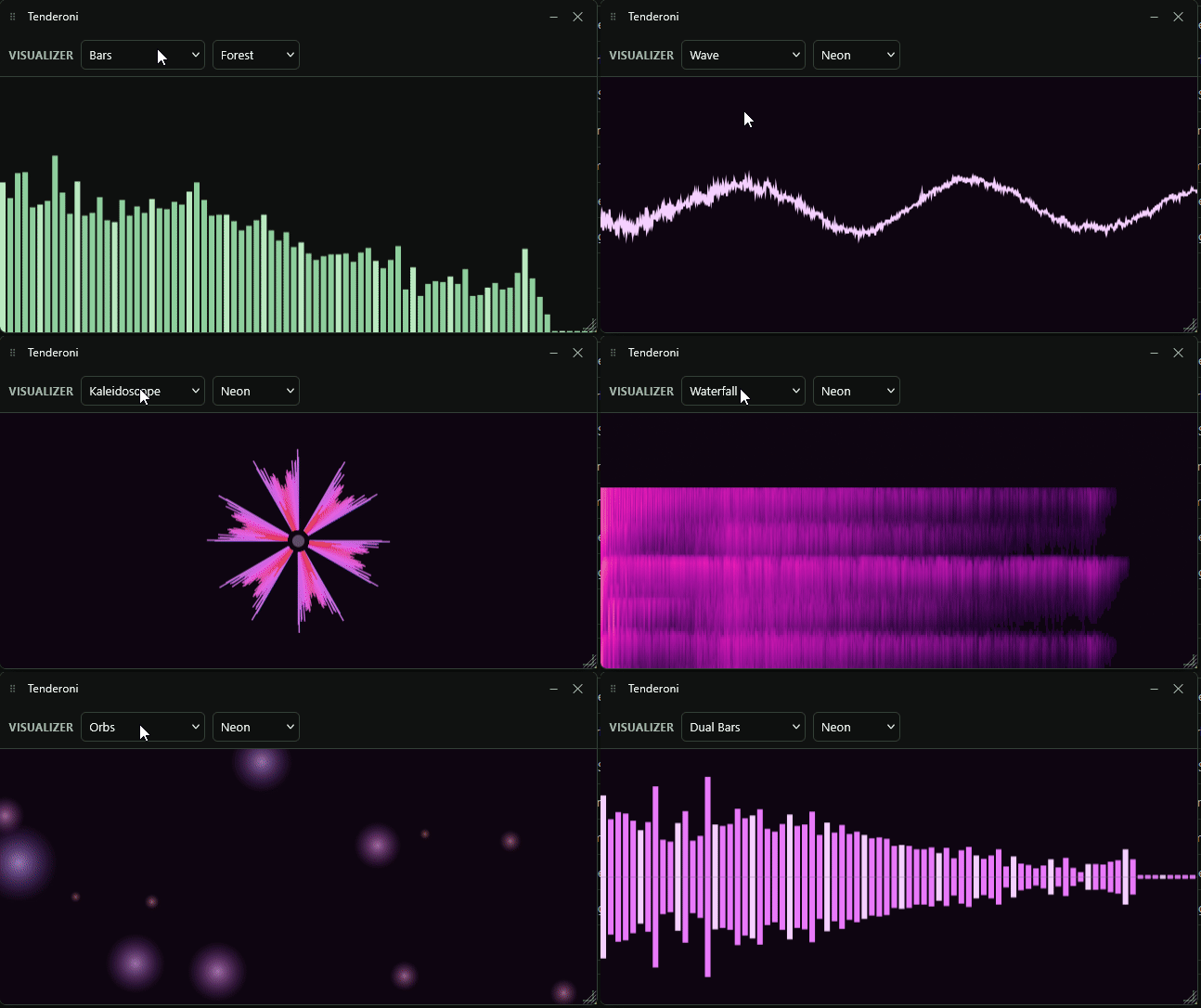
The home page presents active entry points while the persistent shell keeps playback controls alive across navigation.The dock player exposes transport controls, seek state, history, visualizer, and the Up Next queue without leaving the current page.Music browsing supports album artwork, metadata columns, queue actions, set actions, row playback, and configurable column visibility.Track grids expose format/container and codec metadata so playback compatibility problems can be diagnosed from the UI.Album detail combines artwork, tags, ordered tracks, album queue actions, title correction, and merge/recovery controls.Movie browse rows expose poster artwork, progress context, playback, and queue actions through the shared playable-grid model.Season pages provide ordered episode playback plus season-level queue and save-as-set workflows.The video library groups local and subscription media by channel with thumbnails, source metadata, tags, and playback actions.Subscription management shows resolved YouTube sources, download targets, quality choices, current status, and recent download state.Sets are saved queue snapshots with create, inspect, load, duplicate, export, reorder, and delete workflows.Search spans artists, albums, tracks, videos, movies, and shows without arbitrary hidden result caps.Metadata detail pages show applied fields, provider state, artwork candidates, online album-art search, extraction, corrections, and physical files.Duplicate review loads asynchronously into a flat sortable grid with recommendations, filters, dismissal, and safe exclusion cleanup.Settings centralizes library management, provider diagnostics, ffmpeg/ffprobe status, storage usage, and recovery links.The media-files diagnostic page exposes the full indexed media table for scan, path, probe, format, and availability review.The audio visualizer renders inside the floating visual player with selectable modes (bars, wave, radial, pulse, kaleidoscope, lissajous, starfield, waterfall, flower, orbs, shine, dual bars) and color schemes.Artist detail aggregates albums, track counts, tags, and metadata provider state for a single artist.Movie detail combines poster artwork, summary, tags, playback progress, queue actions, and metadata recovery controls.The shows browser lists series with artwork, season counts, tags, and entry points to season and episode flows.What’s New surfaces recently added media across all library types in a unified discovery feed.The tags index lists all applied tags across media types, with counts and drill-down into each tag’s contents.
There’s also some easter eggs, for instance – here’s a gif of the visualizers available.
visualizers
When I started this project I was playing with python, but the speed and the delivery mechanism wasn’t the play. I quickly switched to Go because of its extremely simple deployment story, while the language is one I am pretty unfamiliar with, I really like the results! Maybe I should build in Go more.
For now, I am not releasing this code online – the tool serves me, but if you want a copy hit me up via email at my first name at this domain and let’s chat!
I had a itch to play a game that I last enjoyed in 2015, but it turns out they did not future proof the output resolution and 1080p was the highest thing supported natively.
I looked online and there’s a binary circulating that purports to solve this problem.
Of course the classic “wait is this a virus?” compounded with the reports that alternate aspect ratios are also not supported had me ask “What a re-implementation would look like with a little RE magic?”
In between two Deadlock matches MGR Patcher came together, with Codex doing all the work.
It does a few things (in Rust of course):
Finds or lets you browse to METAL GEAR RISING REVENGEANCE.exe.
Creates a .backup copy before the first patch.
Replaces the game’s built-in 800x600 option with your selected resolution.
Verifies the patched bytes after writing.
Can restore the executable from the .backup file.
Can launch the game after patching.
After you approve the first Windows warning, removes its own Windows download marker so later launches are less likely to warn again.
The Github CI pipelines should build a windows release available, since I know you are all chomping at the bit to get back playing Revengeance.